How renting works on Sevor
Clear steps from choosing an item → booking → payment → photos → return → reviews.
Choose an item
Go to Explore, pick a listing, and open the item page to see photos, price, and location.
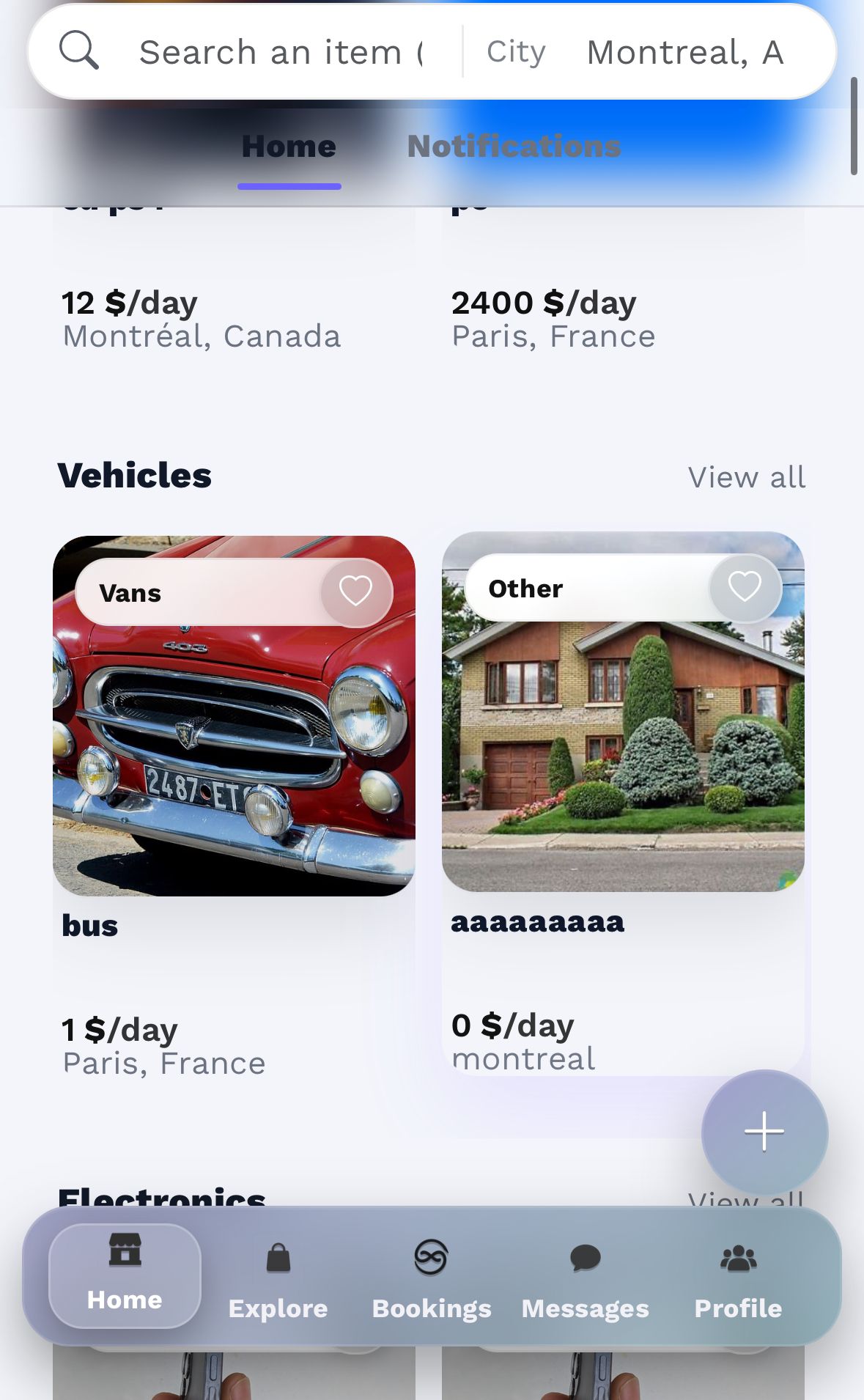
Tap “Book now”
From the item page, tap Book now to open the booking form.
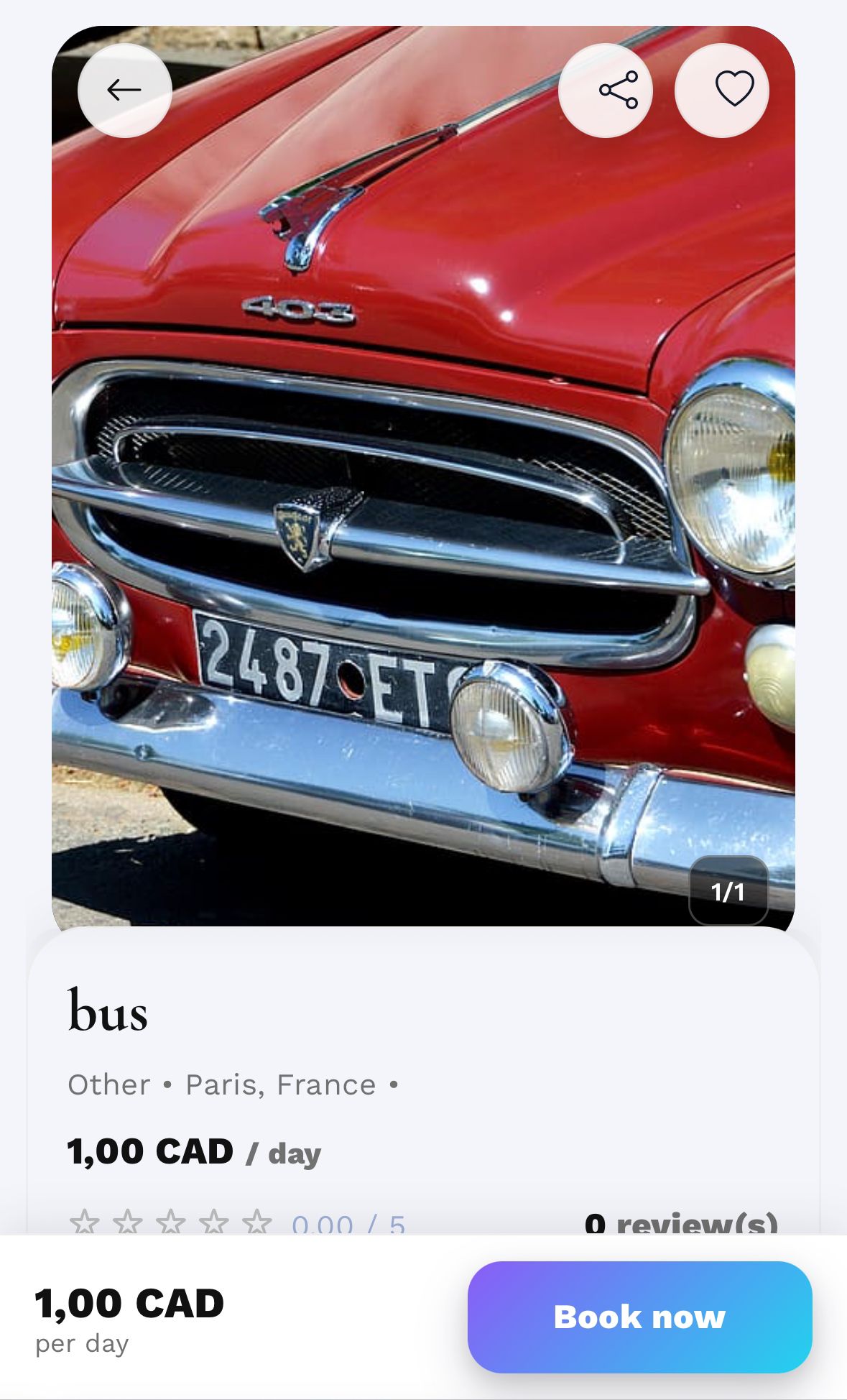
Select the rental dates
Pick start & end date, then submit your booking request.
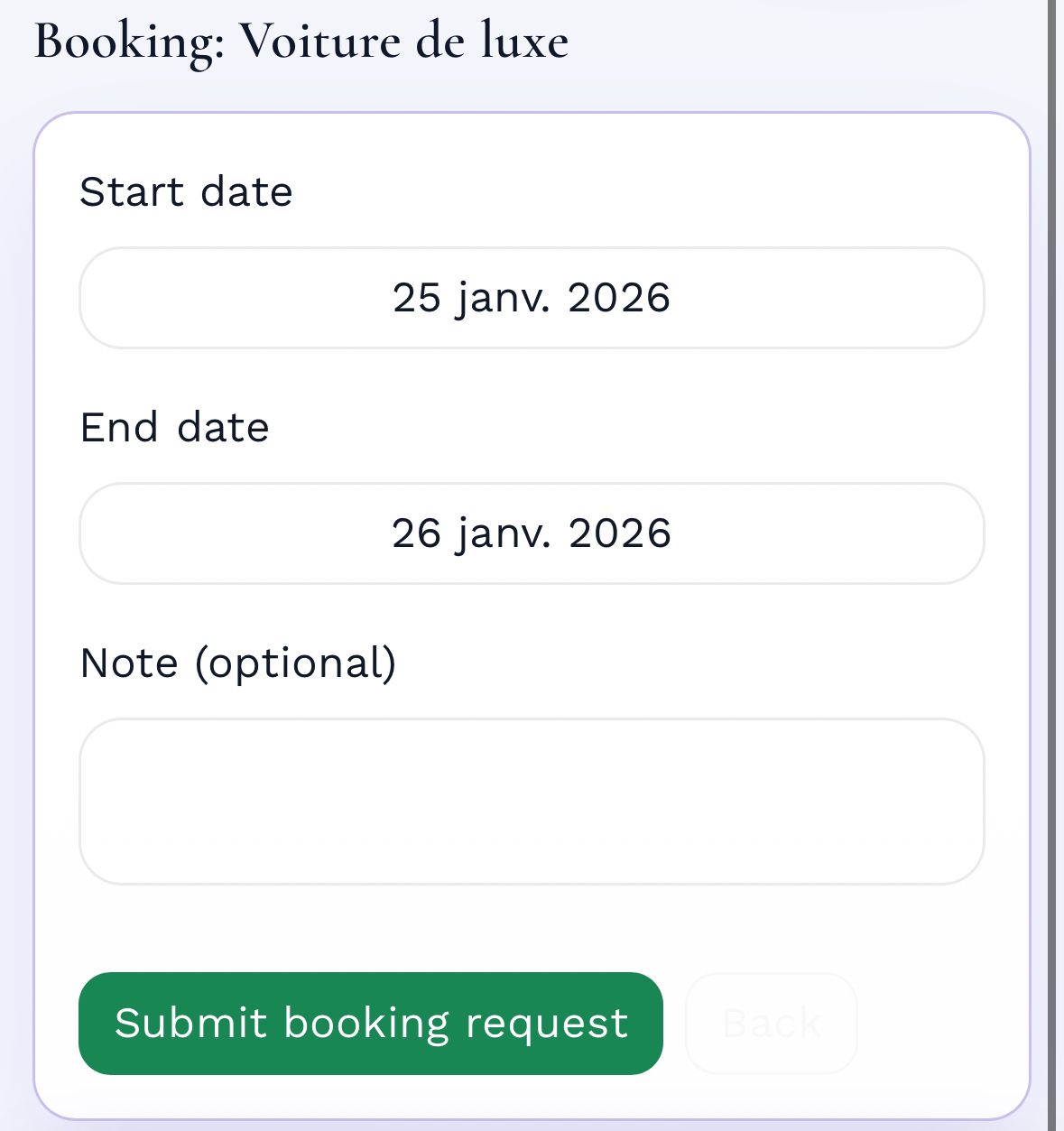
The owner gets a notification
The owner receives a “New booking request” notification and opens the request.
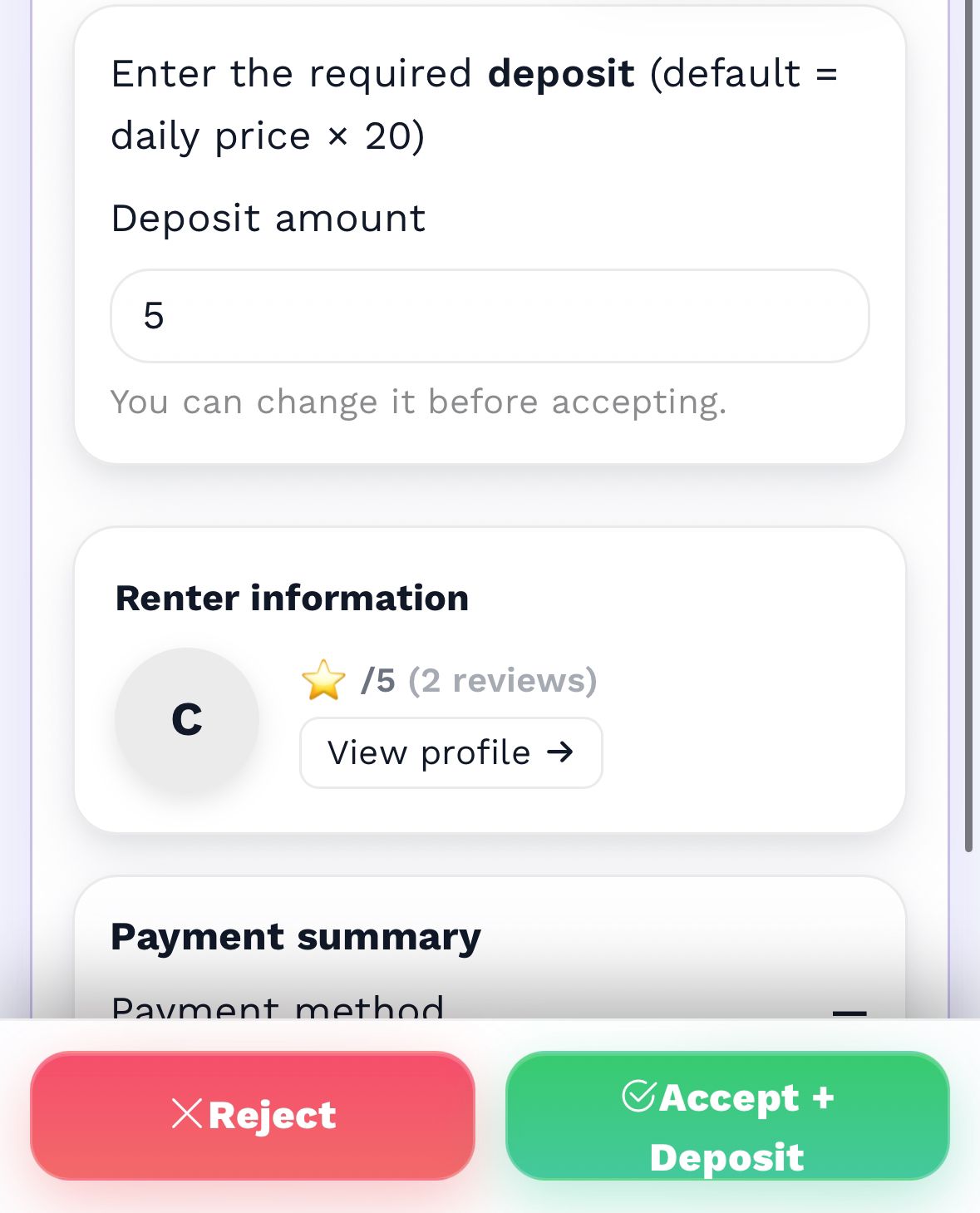
Owner sets the deposit and accepts / rejects
The owner sets a deposit (security) then accepts or rejects the request.
Suggested rule: deposit should not exceed 20× the 1-day price.
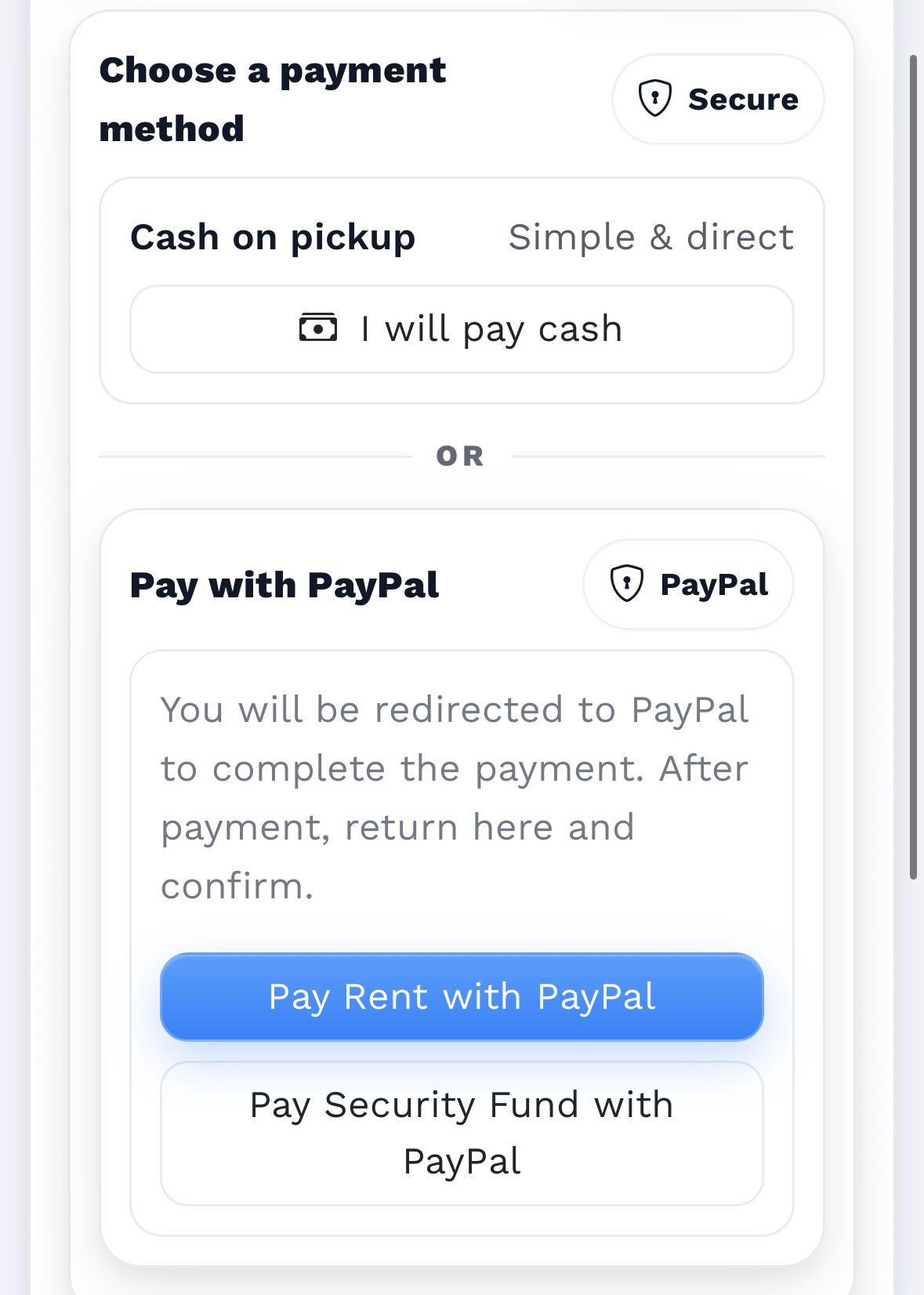
Renter chooses payment method
Cash: rent only (no deposit), direct agreement — Sevor cannot guarantee safety.
Card: renter pays the rent first, then the deposit (recommended).
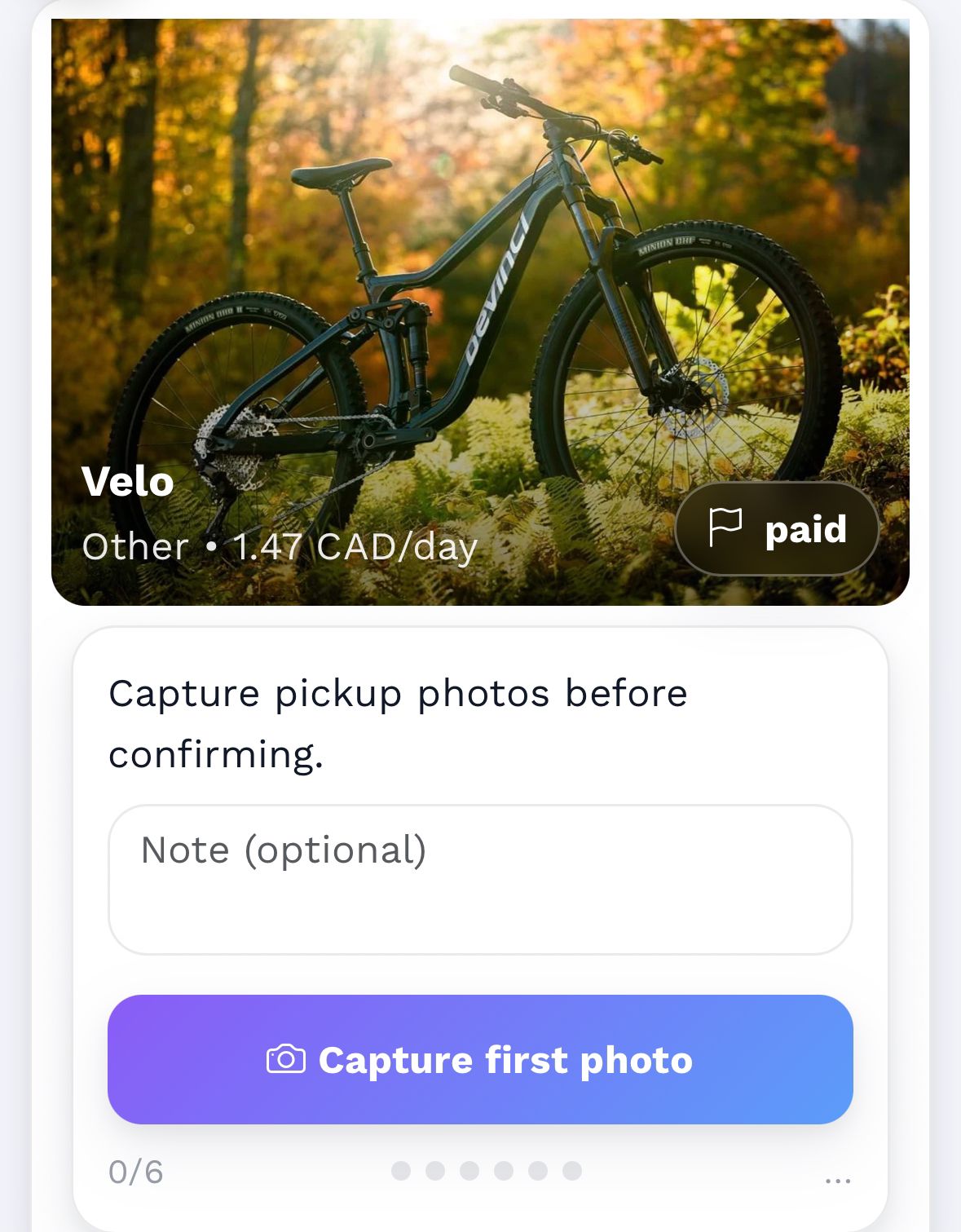
Upload pickup photos (before)
The renter uploads photos before taking the item. This protects both sides.
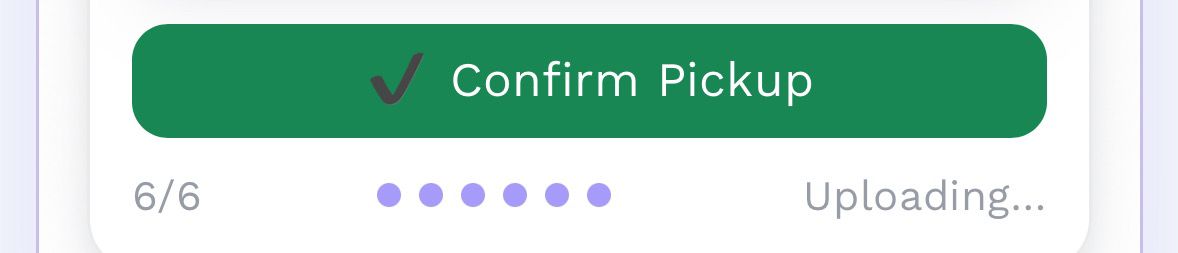
After photos, a Return button appears
After uploading the required photos, a button appears to continue to the return page.
Upload return photos (during return)
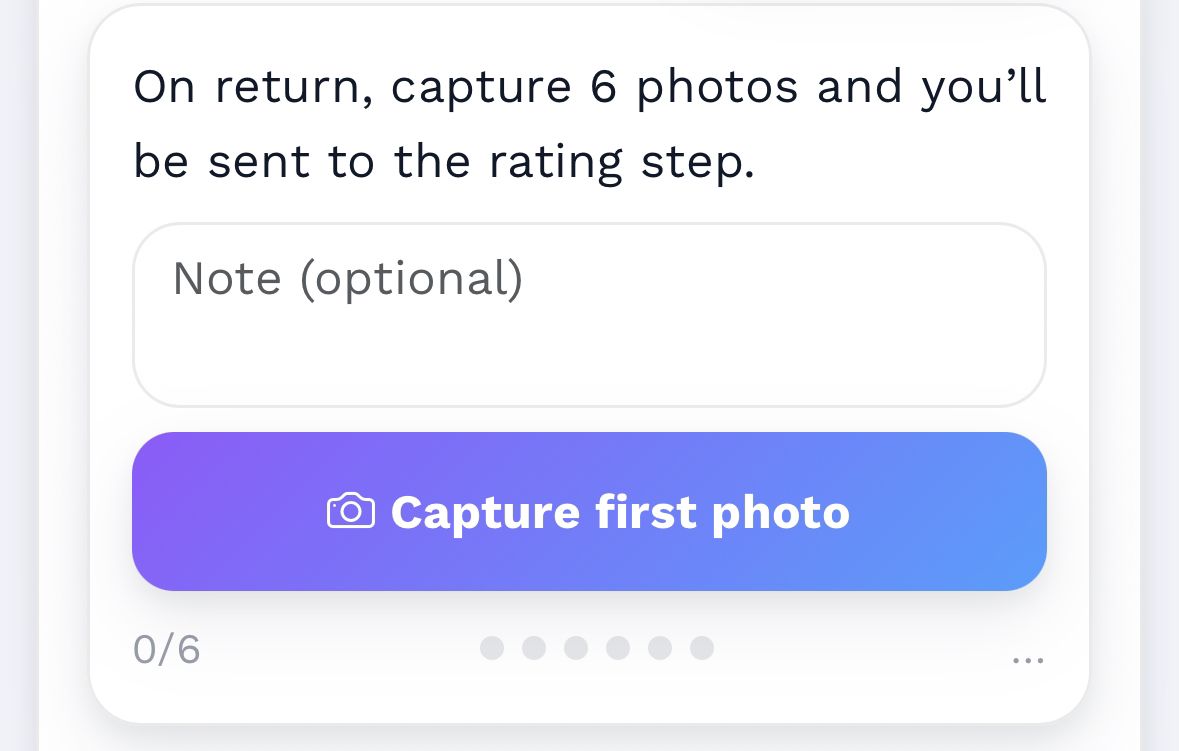
This page is used only when returning the item. Return photos are proof of condition.
Renter reviews the owner & the item
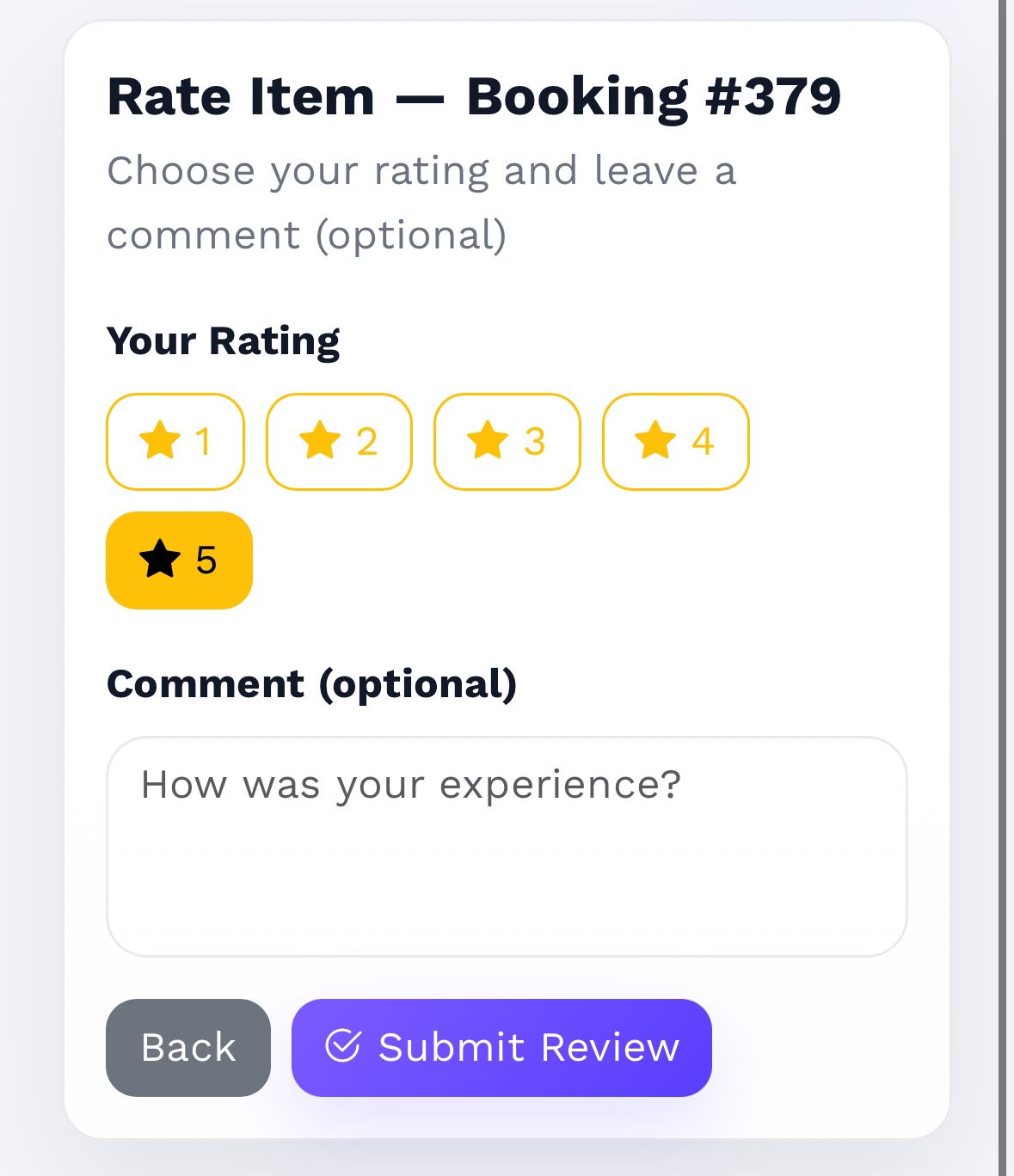
After return, the renter leaves a review about the owner and the item.
Owner reviews the renter
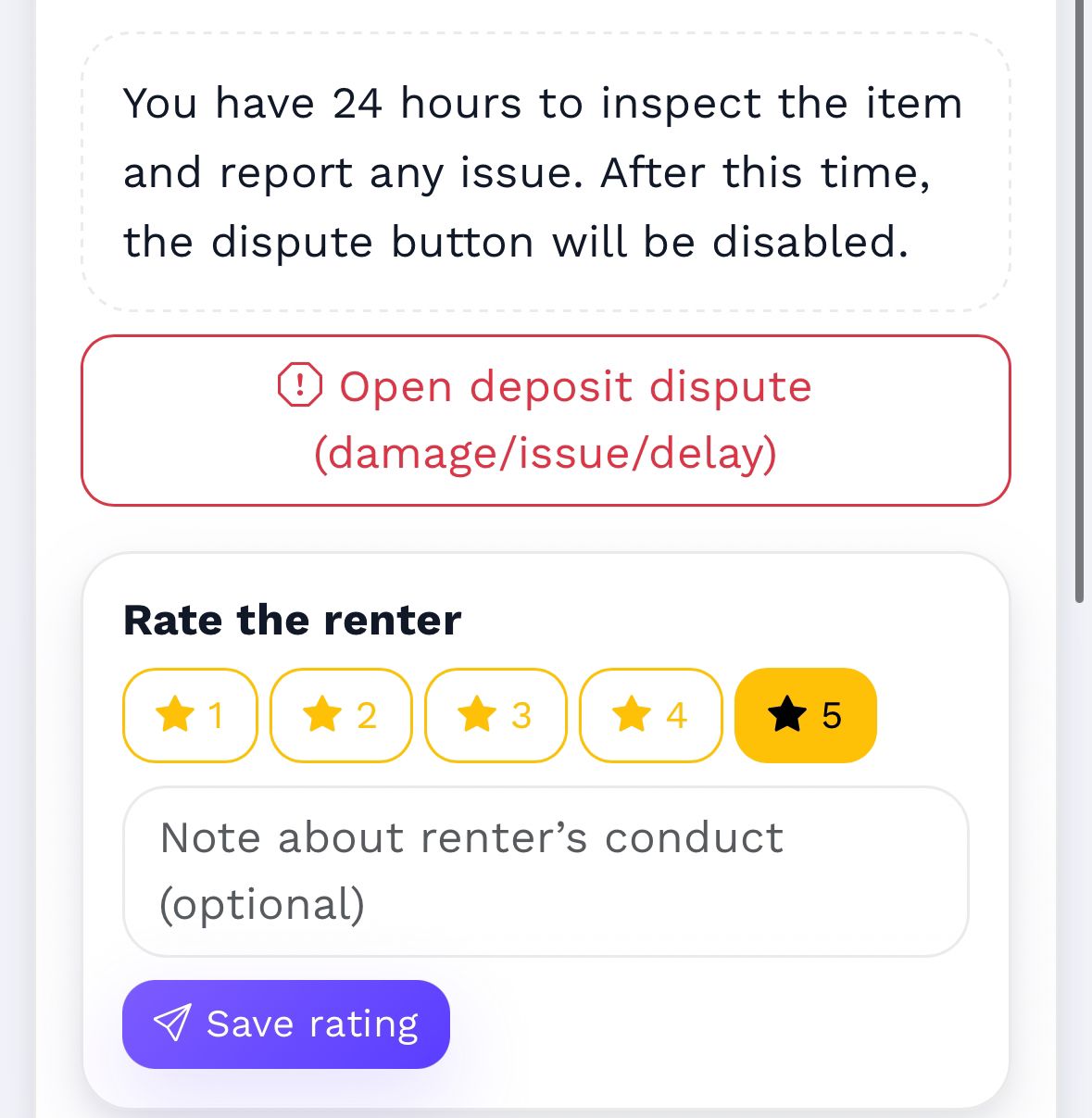
The owner can review the renter (communication, care, on-time return, etc.).
Report a problem (24h window)
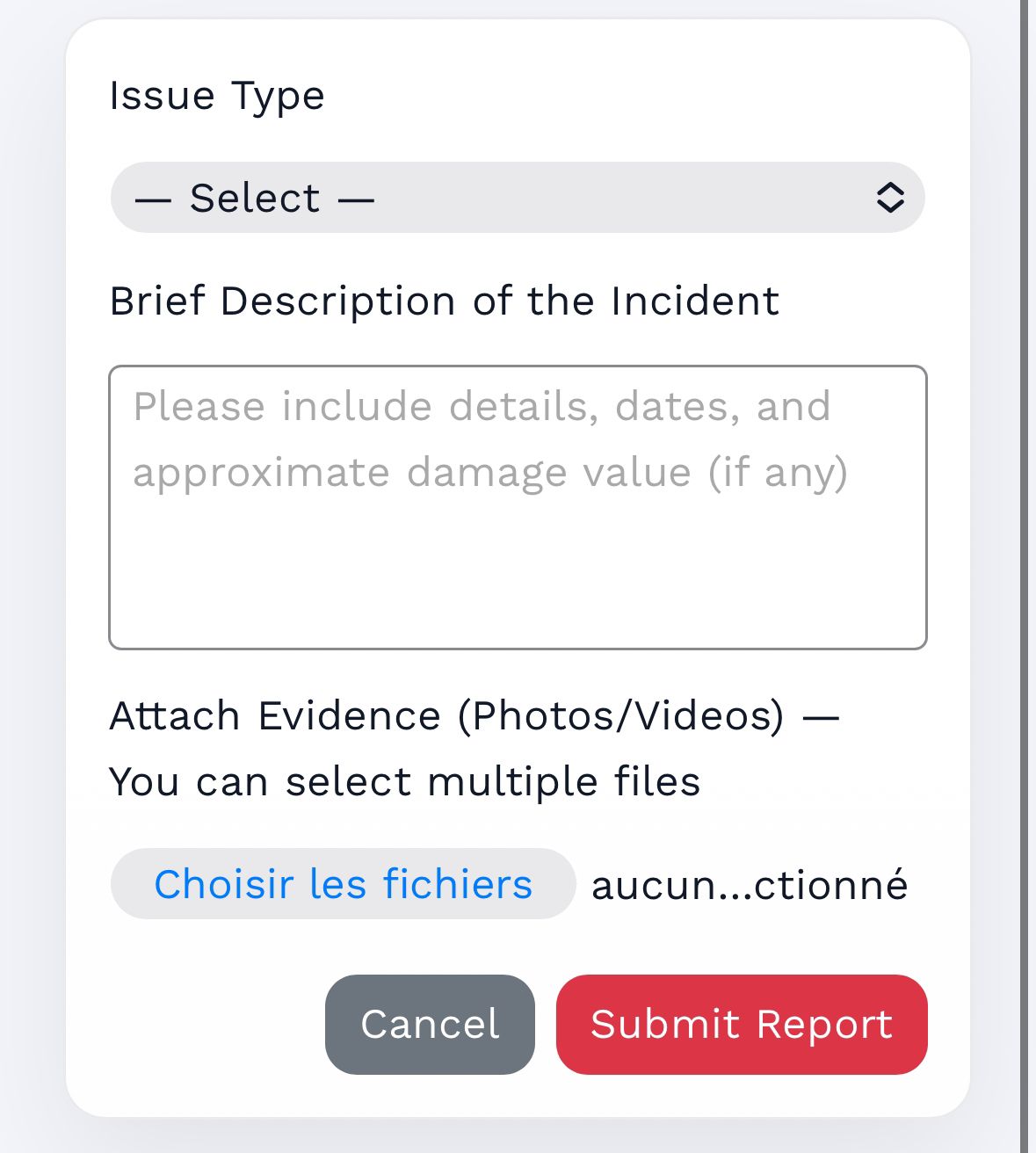
If there is an issue, the renter/owner can submit a report with photos. The report button is available for 24 hours only. After that, it’s disabled and the deposit is released automatically.
• Card payment is safer (traceable + proof).
• Cash payments are direct agreements — Sevor cannot guarantee safety or handle theft cases.
• Deposit + before/after photos protect both sides.